
In modern development, waiting for a backend API to be finalized can bring frontend progress to a grinding halt. This common bottleneck forces teams into a sequential workflow, delaying UI development, integration testing, and even product demos. The solution is a reliable set of sample APIs for testing. These tools provide the instant, predictable endpoints needed to build, test, and iterate without dependencies.
Whether you're a frontend developer building a UI prototype, a QA engineer designing failure scenarios, or a product team creating a proof-of-concept, the right mock or sample API is critical. A simple, static data provider like JSONPlaceholder might be perfect for quickly scaffolding a user list, while a more dynamic service like httpbin is essential for simulating complex network conditions and error states. Choosing the wrong one can lead to rework, while the right one accelerates your entire development lifecycle.
This guide is a comprehensive roundup of the best free and public sample APIs for testing available today. We cut through the noise to give you a practical overview of each resource, complete with:
- Specific use cases to match the right tool to your task.
- Example requests to get you started immediately.
- Honest pros and cons to highlight limitations.
- Direct links and screenshots for easy evaluation.
Our goal is to help you find the perfect API to unblock your team, improve testing accuracy, and ship more resilient applications faster. To truly maximize the impact of your chosen test APIs, it's essential to also consider broader strategies for effective test environment management. Let's dive into the options that will help you build better software, starting now.
1. DotMock
Best for: High-fidelity, collaborative API mocking and resilience testing.
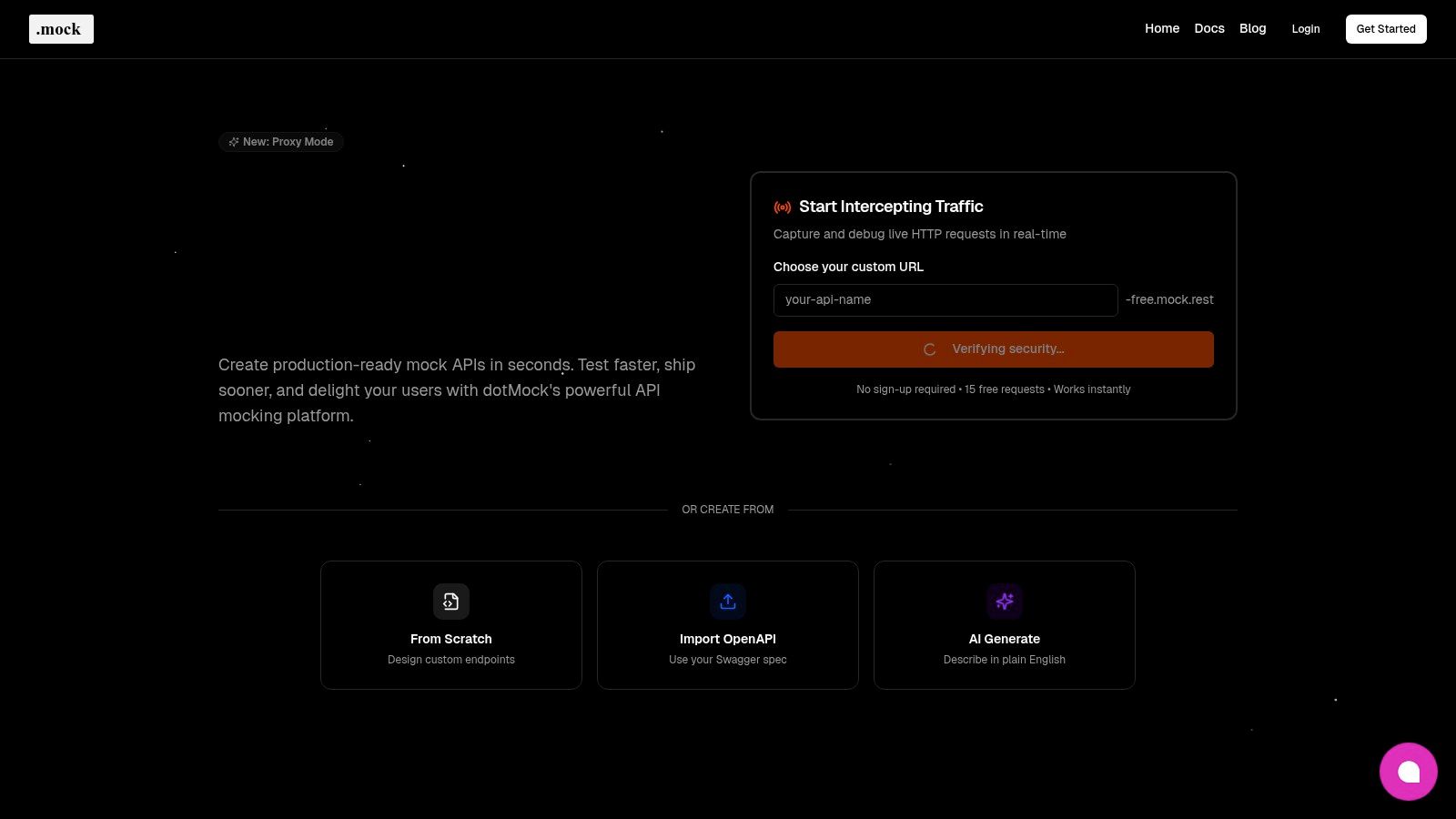
DotMock stands out as a premier, cloud-first platform engineered to accelerate development by providing robust, production-ready mock APIs in seconds. It is a comprehensive solution designed for teams that require more than just static JSON responses. Its core strength lies in its ability to simulate real-world API behavior, including complex failure modes, making it an indispensable tool for frontend developers, QA engineers, and SREs.
The platform eliminates the typical friction of setting up mock environments. With zero-configuration deployment, a developer can go from concept to a live, cloud-hosted mock endpoint in under a minute. This capability is crucial for unblocking parallel development, allowing frontend teams to build and test against a reliable API contract long before the backend is complete.
Standout Features
DotMock moves beyond basic sample APIs for testing by offering dynamic and intelligent mocking capabilities. Its feature set is built to handle diverse and complex testing scenarios.
- Flexible Mock Creation: Users have multiple pathways to create mocks. You can import existing OpenAPI/Swagger definitions for instant contract-based mocks, design endpoints from scratch using an intuitive UI, or use the innovative AI-powered generator to create complex APIs from plain-English prompts.
- Live Traffic Recording: A powerful feature allows you to intercept and record live HTTP traffic from an existing application or API. This lets you capture real-world requests and responses, converting them into a reusable mock API that accurately mirrors production behavior.
- Advanced Fault Injection: This is a key differentiator. DotMock allows teams to proactively test application resilience by simulating a wide range of failure conditions. You can configure endpoints to return HTTP 500 errors, introduce latency to simulate slow networks, enforce rate limits, or mimic network timeouts, all in a safe, controlled environment.
Our Take: The ability to simulate unpredictable, real-world API failures is what elevates DotMock from a simple mocking tool to a critical resilience engineering platform. It enables teams to build and validate robust error handling and fallback logic without destabilizing production systems.
Practical Use Cases
- Parallel Development: Frontend developers can build against stable, feature-complete mock APIs while the backend team is still in development, drastically reducing wait times.
- Resilience Testing: QA and SRE teams can script automated tests that verify how an application behaves during API outages, slow responses, or unexpected errors.
- Rapid Prototyping: Product teams can quickly create functional mock APIs to power interactive prototypes and demos for stakeholder feedback or user testing.
Pricing and Access
DotMock offers a tiered pricing model to accommodate different needs, from individual developers to large enterprises.
| Plan | Price | Key Features |
|---|---|---|
| Free | $0 | 50 requests/day, 10 endpoints |
| Individual | $8/month | Higher limits for solo developers |
| Starter | $29/month | Team collaboration features |
| Professional | $99/month | Advanced features, higher quotas |
A no-signup trial is available, offering 15 free requests for immediate evaluation. The platform boasts a 99.9% uptime SLA, ensuring mock environments are consistently available.
Pros:
- Zero-configuration, cloud-hosted mocks deploy in under a minute.
- Powerful fault injection for comprehensive resilience testing.
- Multiple creation methods, including live traffic recording and AI prompts.
- Built for team collaboration with shared mock definitions.
Cons:
- Cloud-only, with no on-premises deployment option mentioned.
- Free and lower-tier plans have restrictive request and endpoint limits.
Website: https://dotmock.com
2. Postman Public API Network
The Postman Public API Network is less a single sample API and more an expansive, searchable directory of real-world public APIs. It serves as a massive, curated library where developers can discover, explore, and immediately begin interacting with thousands of APIs from companies like Stripe, Twitter, and Microsoft, all within the powerful Postman ecosystem. Its primary strength lies in providing pre-built "collections," which are ready-to-use sets of requests that you can import directly into your Postman workspace with a single click.
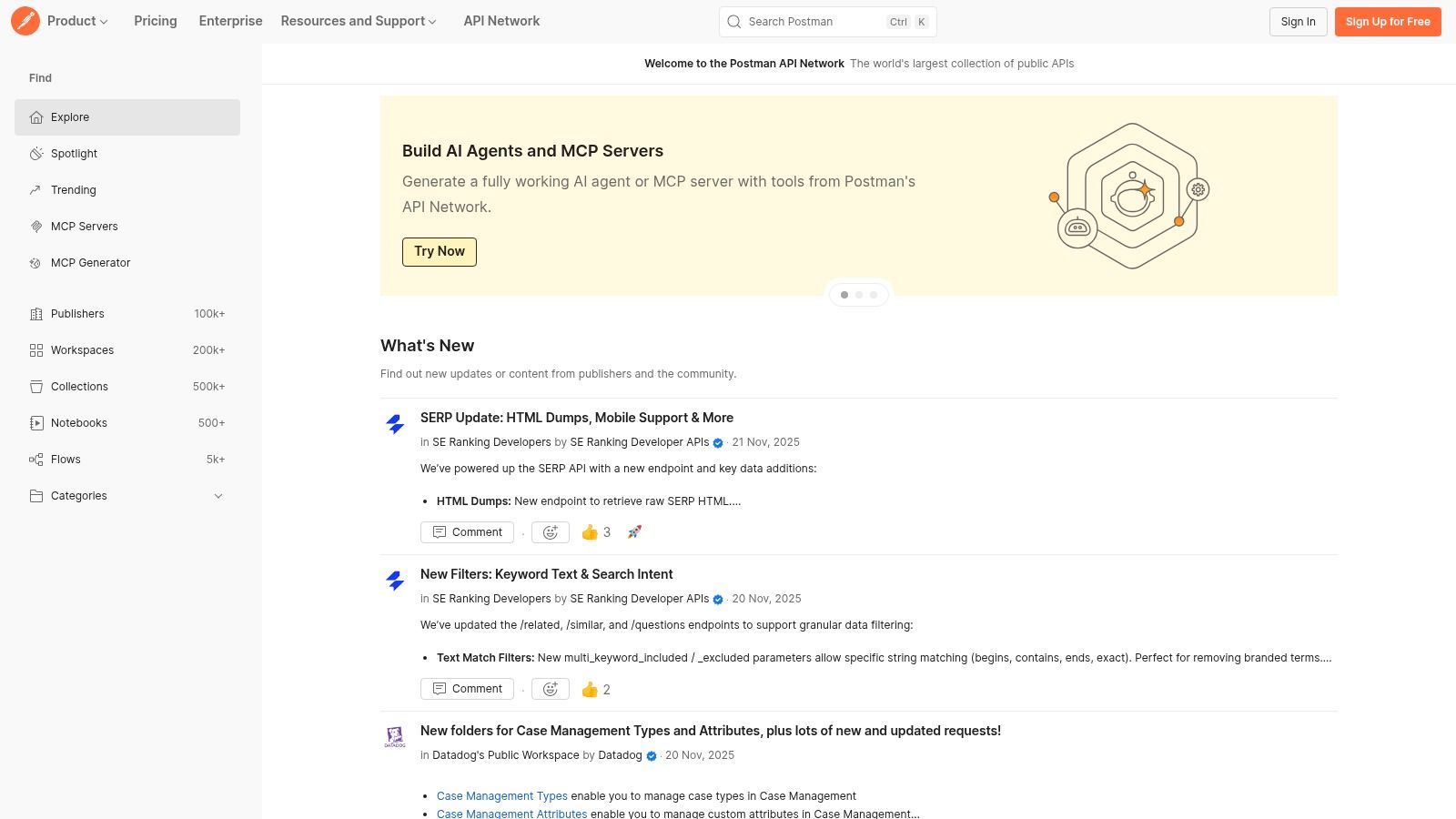
This one-click "Run in Postman" functionality is a game-changer for developers needing to quickly test integrations or understand an API's behavior without manual setup. You can fork entire collections, run requests, inspect responses, and even use Postman's built-in mock server capabilities to create a testable instance based on an API's definition. This makes it one of the most practical sources of sample APIs for testing because you are working with real-world examples in a professional-grade tool. For a deeper dive into how to effectively test API endpoints within such an environment, explore the detailed guides available at dotmock.com.
Key Features and Use Cases
- Massive API Directory: Discover APIs through categories, search, or trending feeds, complete with documentation and publisher verification.
- One-Click Forking: Instantly import API collections into your personal or team workspace, eliminating tedious manual configuration.
- Integrated Tooling: Leverage Postman's full suite of tools, including mock servers, monitors, and collaborative workspaces, directly with the APIs you find.
While the free plan is incredibly generous, be aware that community-published APIs can vary in quality and maintenance. Some advanced features, like higher usage limits for mock servers and monitors, are reserved for paid plans.
Website: https://www.postman.com/explore/
3. RapidAPI Hub (Marketplace)
RapidAPI Hub operates as a massive API marketplace, offering a centralized location to discover, evaluate, and connect to thousands of public APIs. Unlike dedicated mock services, its value lies in providing access to a mix of real-world free, freemium, and paid APIs, complete with transparent pricing and subscription management. For developers, it's an excellent resource for finding and experimenting with real data sources, from weather and finance to sports and machine learning, directly within an integrated environment.
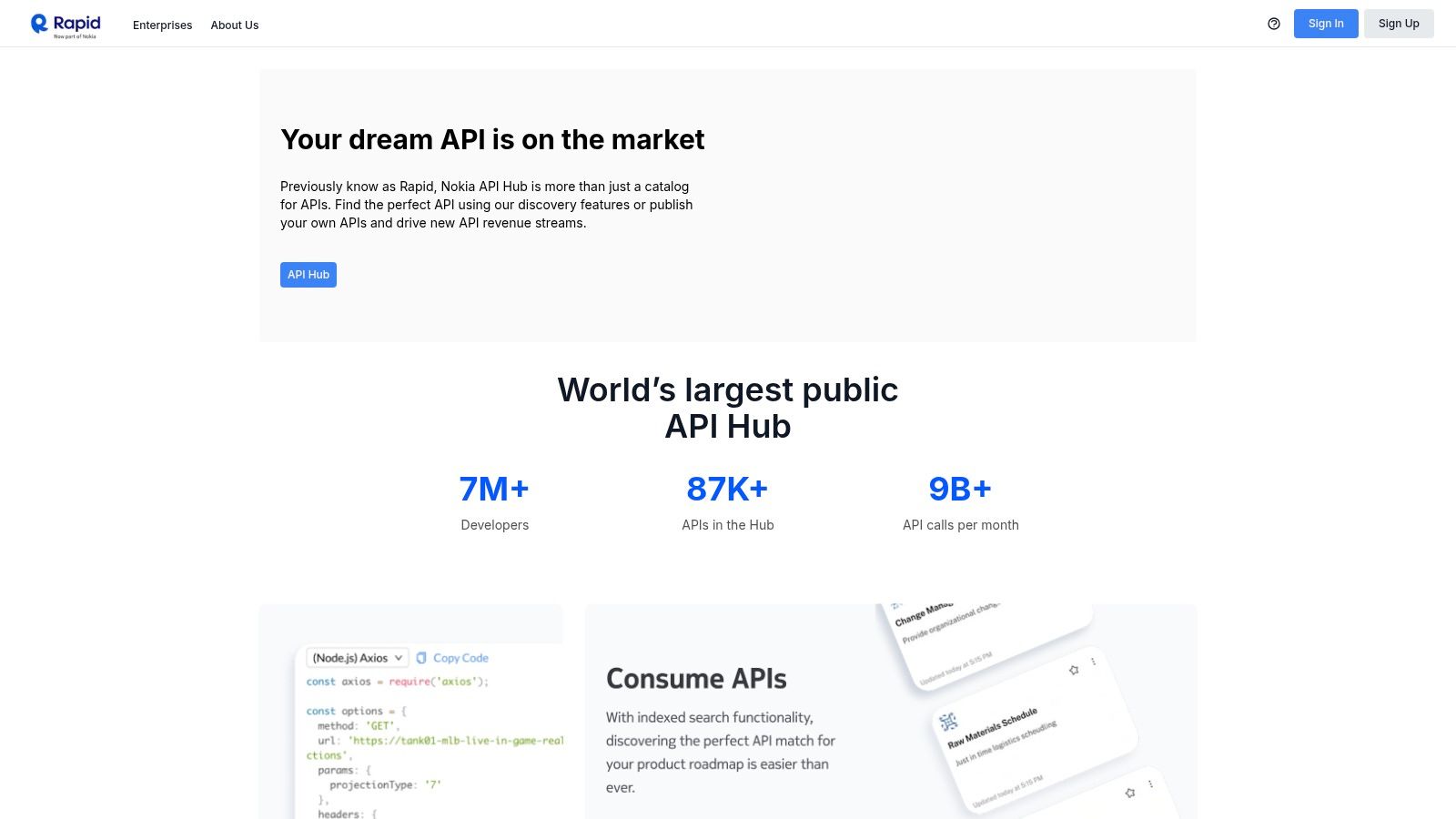
The platform’s standout feature is its built-in API playground, which allows you to test endpoints directly in the browser without writing any code. You can configure parameters, send requests, and immediately see the response. This interactive console also generates code snippets in multiple languages (like JavaScript, Python, and cURL), significantly speeding up the integration process. This makes RapidAPI an ideal platform for finding sample APIs for testing when you need to quickly prototype with real-world data and get a functional integration running with minimal setup.
Key Features and Use Cases
- API Playground: Test API endpoints interactively in your browser and instantly generate code snippets for your application.
- Centralized Subscription Management: Use a single account and API key to subscribe to and manage billing for multiple different APIs.
- Deep Search and Discovery: Find APIs by category, collection, popularity, or specific keywords, complete with performance metrics like latency and success rate.
While the hub provides unparalleled convenience, the quality and documentation of APIs can vary between providers, so it's wise to check user reviews and usage stats. Additionally, be aware that many freemium plans require a credit card on file before you can begin testing.
Website: https://rapidapi.com/
4. Swagger Petstore (OpenAPI example)
The Swagger Petstore is the quintessential "Hello, World!" example for the OpenAPI Specification. It serves as the canonical demo API for learning and testing tools within the Swagger and broader OpenAPI ecosystem. It's not designed for complex, stateful testing but rather as a standardized, interactive playground that demonstrates a full RESTful API, complete with CRUD (Create, Read, Update, Delete) operations for managing fictional pets, orders, and users.
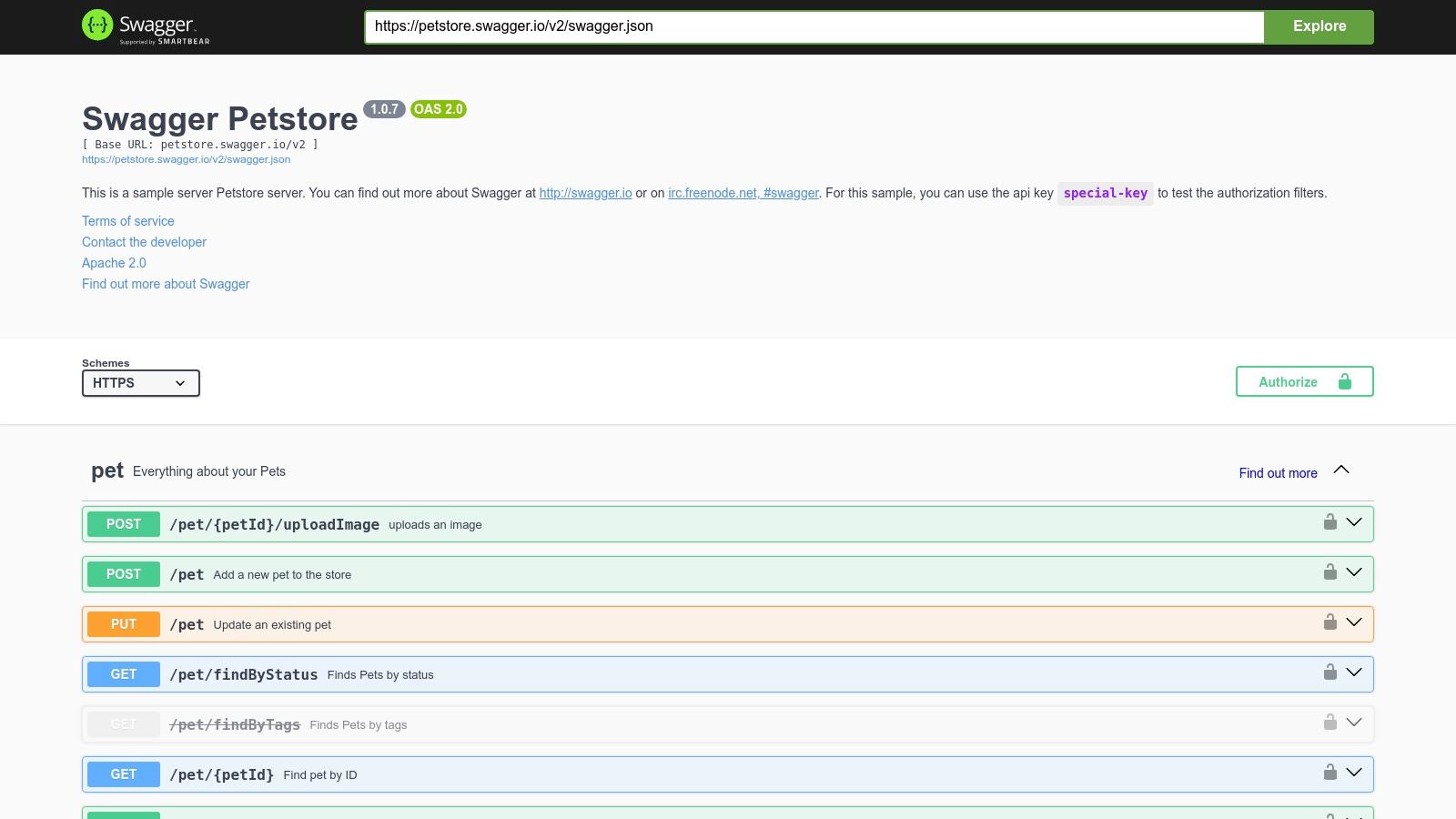
Its primary value lies in its universally recognized OpenAPI definition, which can be used to test API client generators, SDKs, and documentation tools. The interactive Swagger UI allows developers to make live API calls directly from their browser, providing immediate feedback on how requests and responses are structured. Because it's such a well-known specification, it's an excellent candidate for testing tool integrations. For instance, you can see how easily platforms can import an OpenAPI spec to automatically generate mock endpoints based on its schema. This makes Petstore one of the most fundamental sample APIs for testing tooling and learning API concepts.
Key Features and Use Cases
- Canonical OpenAPI Specification: Provides a complete and valid
openapi.jsonfile, perfect for testing any tool that consumes OpenAPI definitions. - Interactive API Documentation: The built-in Swagger UI lets users execute API calls against the live server directly in the browser, making it ideal for demos and tutorials.
- Demonstrates Core API Concepts: Clearly illustrates different HTTP methods (GET, POST, PUT, DELETE), path parameters, query parameters, and authentication schemes (API key).
Be aware that the public Petstore instance is a shared, volatile environment. Its data resets frequently, and it can occasionally be unstable or return server errors. It is best used for stateless testing and proof-of-concept work, not for building applications that require persistent data.
Website: https://petstore.swagger.io/
5. Reqres
Reqres provides a hosted fake REST API that is perfect for prototyping front-end applications that interact with real-world user data. Unlike services that return completely random data, Reqres offers a set of predictable yet realistic endpoints for common operations like fetching lists of users, creating new records, updating entries, and simulating login/registration flows. Its simplicity is its greatest asset; there's no need for authentication or complex setup to start making requests and receiving structured JSON responses.
This makes it an excellent choice for developers who need to quickly build and test UI components that depend on CRUD (Create, Read, Update, Delete) functionality. Because all endpoints are CORS-enabled, you can call them directly from any front-end project without hassle. It also includes helpful endpoints for testing non-ideal scenarios, such as a delayed response endpoint, which is invaluable for building robust UIs with proper loading states. Reqres is one of the most practical sample APIs for testing when you need to mimic standard user management backends.
Key Features and Use Cases
- Standard RESTful Endpoints: Supports all common HTTP methods (GET, POST, PUT, PATCH, DELETE) for predictable user management operations.
- Built-in Delayed Response: A dedicated
/api/users?delay=3endpoint allows you to simulate network latency and test application loading states. - CORS-Enabled: Easily integrate with any front-end framework like React, Vue, or Angular for seamless local development and prototyping.
The free tier is incredibly generous for most testing and development needs, though it does have request limits and uses predefined data. For teams needing to create persistent custom data for demos or more advanced testing, Reqres offers affordable paid plans that allow you to stand up your own dedicated mock server instances.
Website: https://reqres.in/
6. JSONPlaceholder
JSONPlaceholder is arguably the quintessential fake REST API for prototyping and tutorials. It provides a simple, no-authentication-required endpoint serving up classic placeholder data like posts, comments, photos, and users. Its core purpose is to offer a zero-configuration backend that behaves predictably, making it an invaluable resource for front-end developers needing to build and test UIs without waiting for a real backend to be ready. The API fully supports all common HTTP verbs (GET, POST, PUT, PATCH, DELETE), giving developers a complete, albeit simulated, CRUD experience.
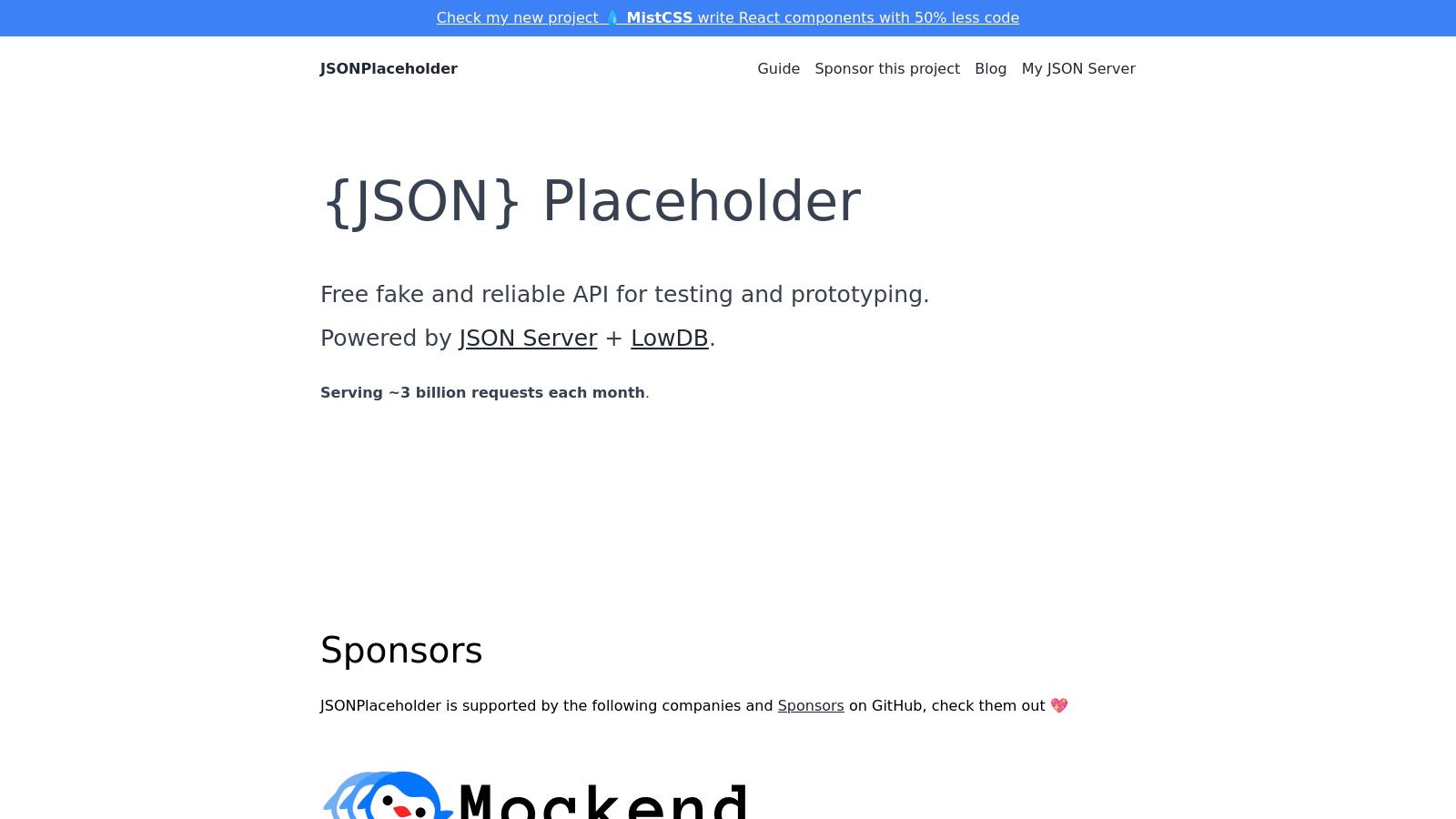
The platform’s major advantage is its simplicity and widespread adoption in the development community; countless tutorials, Stack Overflow answers, and CodePen examples use it. This makes it one of the most trusted and instantly recognizable sample APIs for testing basic data fetching, state management, and component rendering. For instance, a developer can immediately fetch a list of users or posts to populate a table or card layout without any setup. While it's fantastic for demonstrations, it's important to remember that data modifications are faked and do not persist, making it unsuitable for testing stateful applications.
Key Features and Use Cases
- Zero Configuration: Instantly available with no sign-up or API keys required, ideal for quick proofs-of-concept and live coding sessions.
- Standard RESTful Endpoints: Offers familiar resource types like
/posts,/users, and/todoswith support for nested routes (e.g.,/posts/1/comments). - CORS Enabled: Allows for direct client-side requests from any domain, which is essential for front-end development frameworks like React, Vue, or Angular.
While its static and synthetic dataset is a limitation for complex testing, its stability and ease of use make it a go-to choice for getting a project off the ground.
Website: https://jsonplaceholder.typicode.com/
7. httpbin
httpbin is a classic and indispensable HTTP request and response service, acting as a powerful mirror for your API client. Rather than providing domain-specific data like users or products, it simply echoes back the details of the request you sent it. This simple yet profound functionality makes it an essential tool for debugging HTTP clients, validating request headers, testing authentication methods, or simply understanding how a particular library formats its outgoing requests. It is a fundamental utility for any developer working with web protocols.
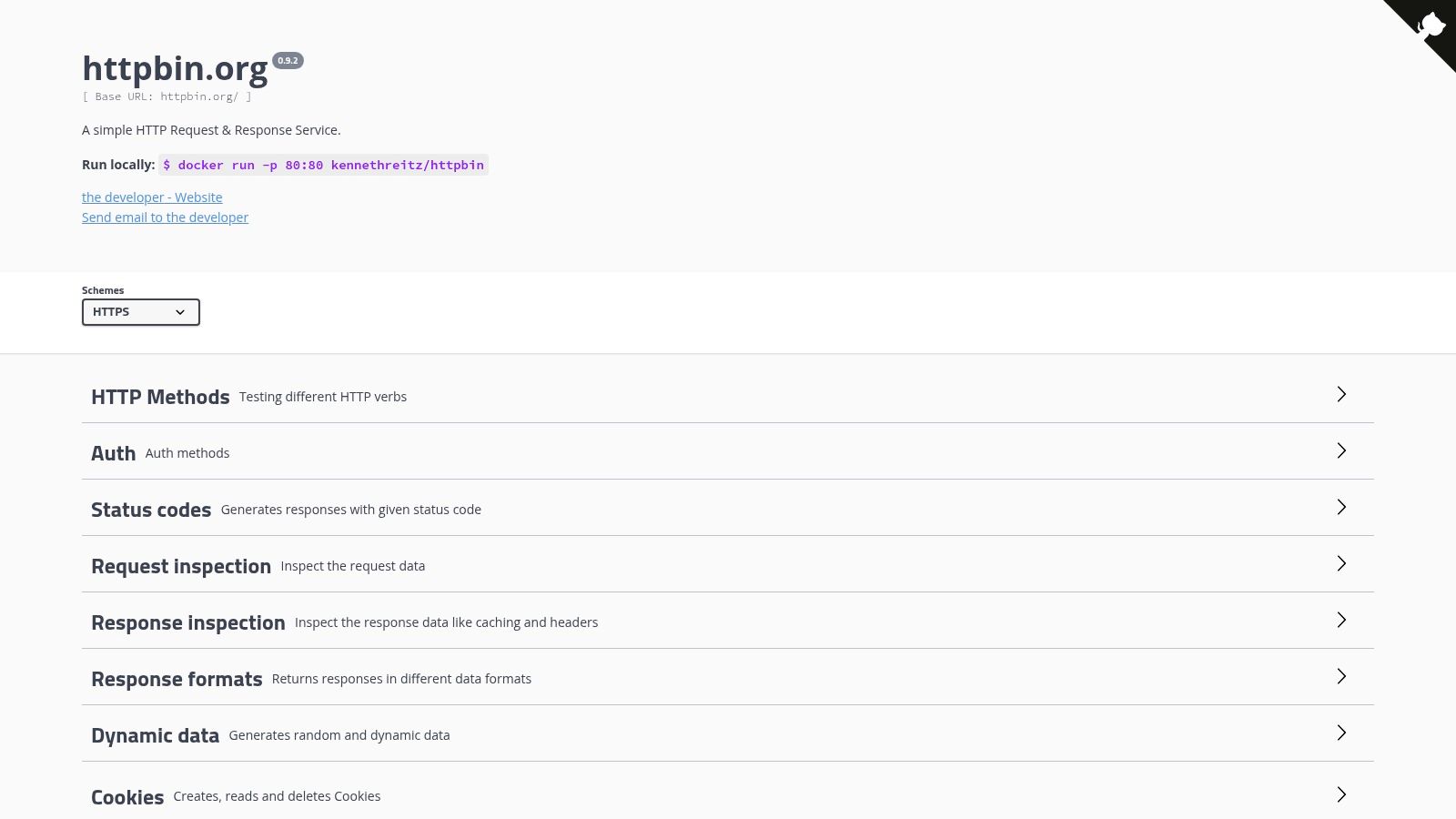
The service offers a wide array of endpoints designed to test specific behaviors. For example, you can send a POST request to the /post endpoint to see the exact form data, headers, and body that were sent. You can also test how your application handles different status codes by calling /status/{code} or verify correct behavior with redirects, cookies, and compression. Because it focuses purely on the protocol layer, httpbin is one of the most reliable sample APIs for testing the raw mechanics of an HTTP interaction, making it invaluable for both beginners learning HTTP and seasoned experts debugging complex client-side issues.
Key Features and Use Cases
- Request Introspection: Endpoints like
/anything,/get, and/postreflect all request details, including headers, arguments, and body content, for easy validation. - Status Code Simulation: The
/status/{code}endpoint allows you to test how your client handles any HTTP status code, from200 OKto503 Service Unavailable. - Authentication Testing: Includes dedicated endpoints for testing Basic, Digest, and OAuth 2 authentication flows without needing a real backend.
The main limitation of httpbin is its purpose; it is not designed for application-level testing where realistic data models are required. It is completely free and open-source, providing a highly reliable and minimal service for validating raw HTTP behavior.
Website: https://httpbin.org/
8. Mockaroo
Mockaroo bridges the gap between simple static data and fully dynamic backends by offering a highly sophisticated mock data generator that can be exposed via a hosted API. It excels at creating large volumes of realistic, schema-driven data. Instead of just returning a predefined JSON object, you can design detailed data schemas using over 100 different field types, including names, countries, currencies, and even custom formulas, to generate rich, believable datasets.
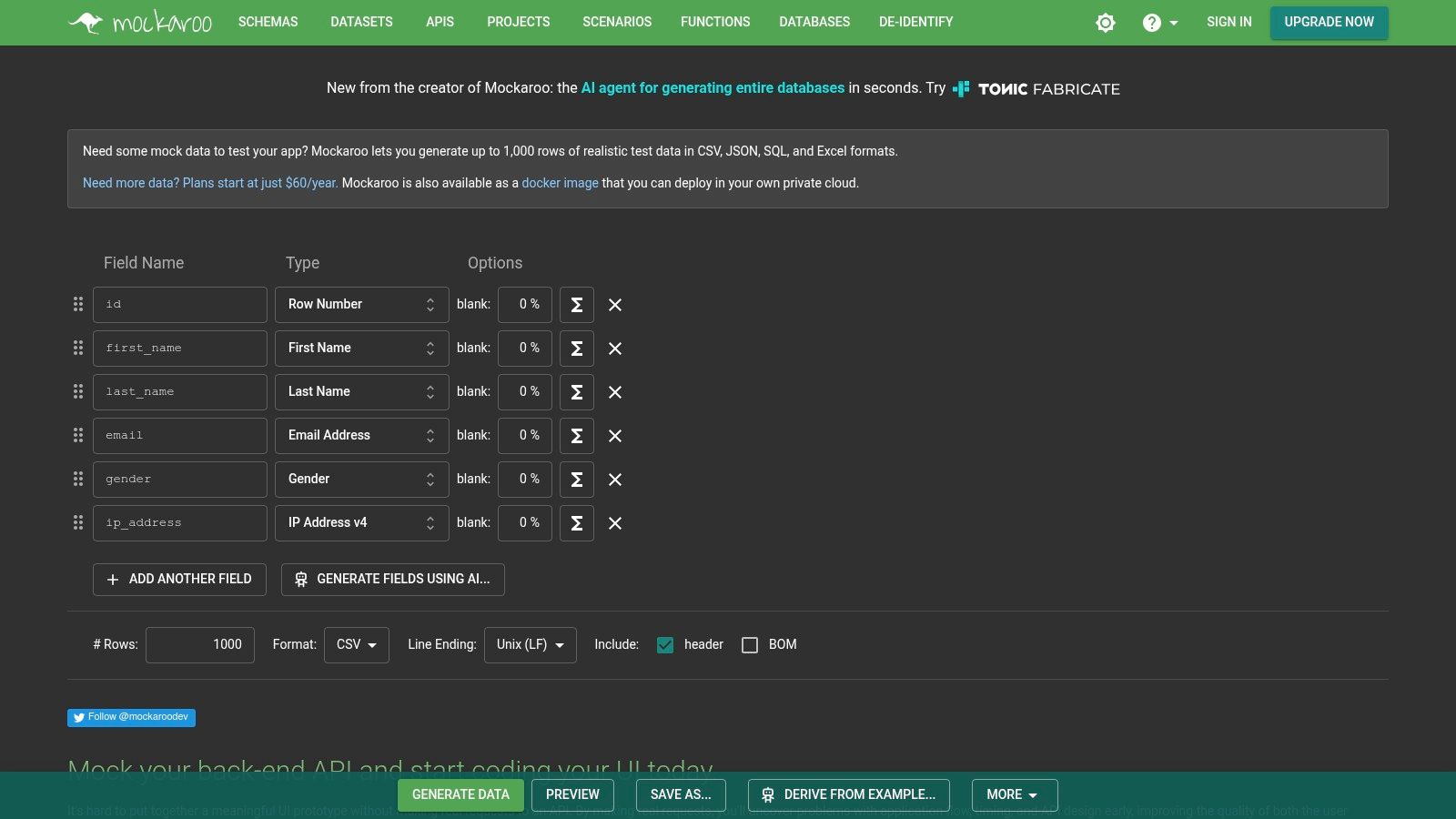
This platform's primary strength is its ability to generate contextually aware data that mimics real-world complexity, making it an invaluable tool for testing UI components like tables, charts, and forms that require diverse and plausible inputs. Once a schema is defined, you can download the data in formats like CSV, JSON, or SQL, or you can serve it directly from a mock API endpoint provided by Mockaroo. For a more detailed look into how to leverage such tools, you can discover more about how to generate mock data.
Key Features and Use Cases
- Realistic Data Generation: Access over 100 data types and use custom formulas to create nuanced and lifelike datasets for frontend development and load testing.
- Hosted Mock APIs: Instantly create a REST endpoint based on your data schema, complete with API key support and the ability to simulate errors and slow responses.
- Multiple Export Formats: Download generated data as JSON, CSV, SQL, XML, and more, making it flexible for database seeding, automated tests, and prototyping.
The free tier is generous for small projects, offering up to 1,000 rows of data per request and 200 API requests per day. However, for high-volume data generation or more intensive API testing, a paid plan is necessary to overcome these limits.
Website: https://www.mockaroo.com/
9. Beeceptor
Beeceptor is a powerful and user-friendly tool for creating mock APIs and inspecting HTTP requests in real-time. It shines by allowing developers to set up a mock endpoint instantly, define custom rules for responses, and simulate various network conditions like delays or errors. This makes it an indispensable asset for testing how an application behaves when an API is slow, returns unexpected data, or fails entirely. The platform can even generate a complete mock server from an OpenAPI specification, saving significant setup time.
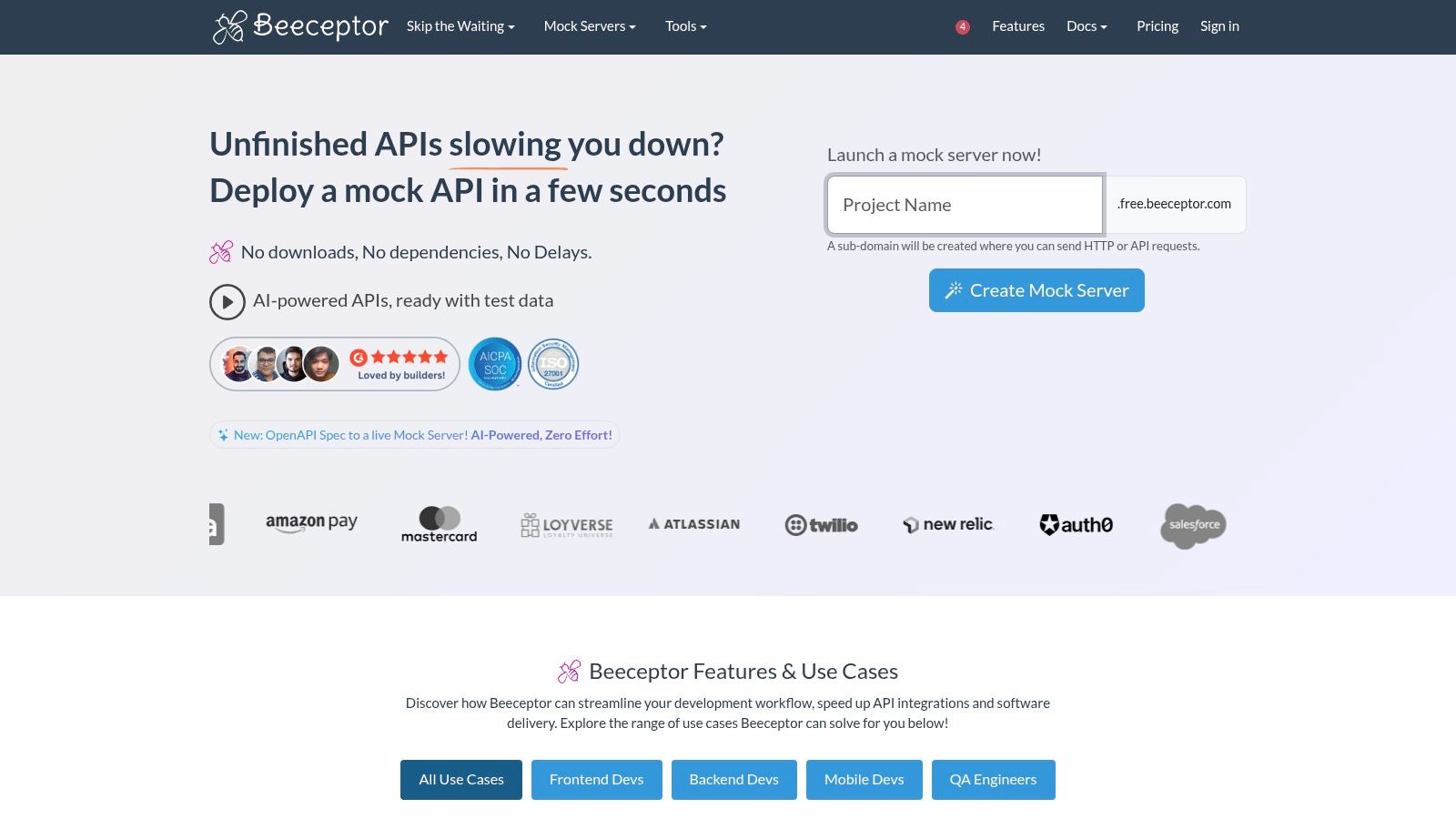
What sets Beeceptor apart is its dual capability as both a mock server and a request inspection tool, often called a "man-in-the-middle" for API traffic. Developers can route traffic through a Beeceptor endpoint to see exactly what is being sent and received, which is invaluable for debugging webhooks or complex client-server interactions. Its focus on providing realistic, dynamic, and stateful sample APIs for testing makes it far more advanced than simple static JSON hosts, enabling developers to build and verify more resilient applications.
Key Features and Use Cases
- Rule-Based Mocking: Create dynamic responses that change based on the incoming request's headers, body, or parameters to simulate complex API logic.
- OpenAPI to Mock Server: Instantly stand up a complete mock API by uploading an OpenAPI (Swagger) definition file.
- Request Inspection & Tunneling: View live request and response traffic for any HTTP service, and use the local tunnel feature to inspect traffic from a local development machine.
The free plan is quite generous for individual use, but be mindful of the daily request limits. For more advanced features like custom domains, higher quotas, and team collaboration, you will need to upgrade to a paid subscription.
Website: https://beeceptor.com/
10. MockAPI (mockapi.io)
MockAPI is a specialized tool designed to rapidly create mock REST API backends, making it an excellent resource for frontend developers and QA teams. Its core strength is the ability to visually define resources and their relationships, which automatically generates a full suite of CRUD (Create, Read, Update, Delete) endpoints. This approach allows developers to simulate complex data structures, such as users with associated posts or products with reviews, without writing a single line of backend code.
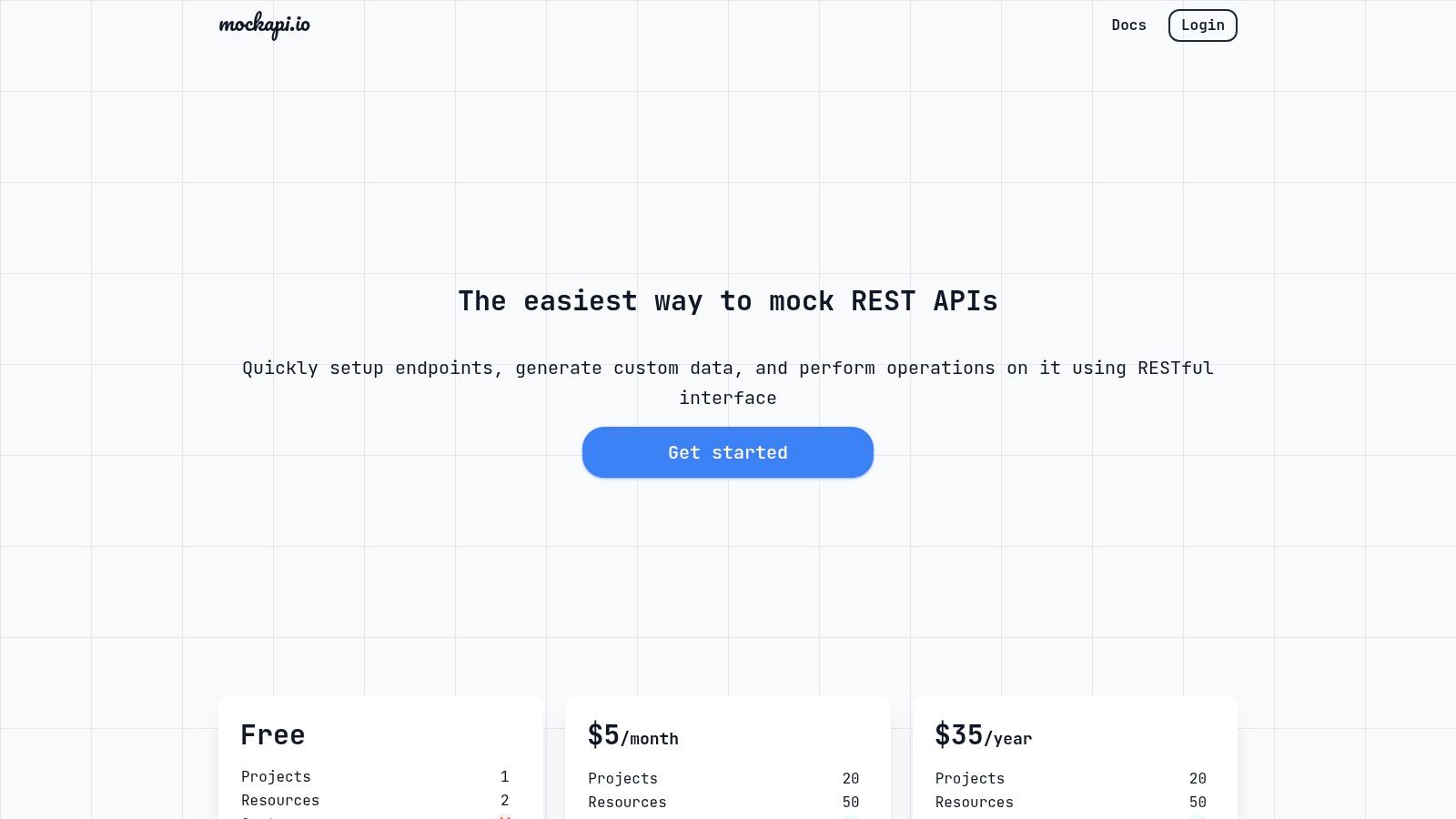
The platform’s simple dashboard is a key differentiator, providing a user-friendly interface to manage mock data and project settings. This makes it one of the most accessible sample APIs for testing when you need a persistent, stateful backend for a prototype, demo, or integration test. Unlike static JSON providers, MockAPI allows your application to POST new data and have it persist across sessions, providing a more realistic development experience.
Key Features and Use Cases
- Visual Resource Builder: Define your data models, fields, and relationships through a simple UI to automatically generate RESTful endpoints.
- Persistent Data: Any data created via POST, PUT, or DELETE requests is saved, enabling stateful testing for frontend applications.
- Built-in Faker.js: Populate your API with realistic, randomized mock data for various data types like names, addresses, and company info.
The service operates on a freemium model. The free tier is quite capable for individual projects, but team collaboration features, analytics, and an increased number of projects or resources require a paid subscription.
Website: https://mockapi.io/
11. DummyJSON
DummyJSON provides a free, fake REST API that stands out by offering richer and more domain-specific datasets than simpler alternatives. Where many mock APIs offer generic user or post data, DummyJSON extends this to include products, shopping carts, recipes, and todos, complete with placeholder images and authentication examples. This makes it an invaluable resource for developers building front-end applications that require more complex, relational data structures to accurately simulate real-world scenarios.
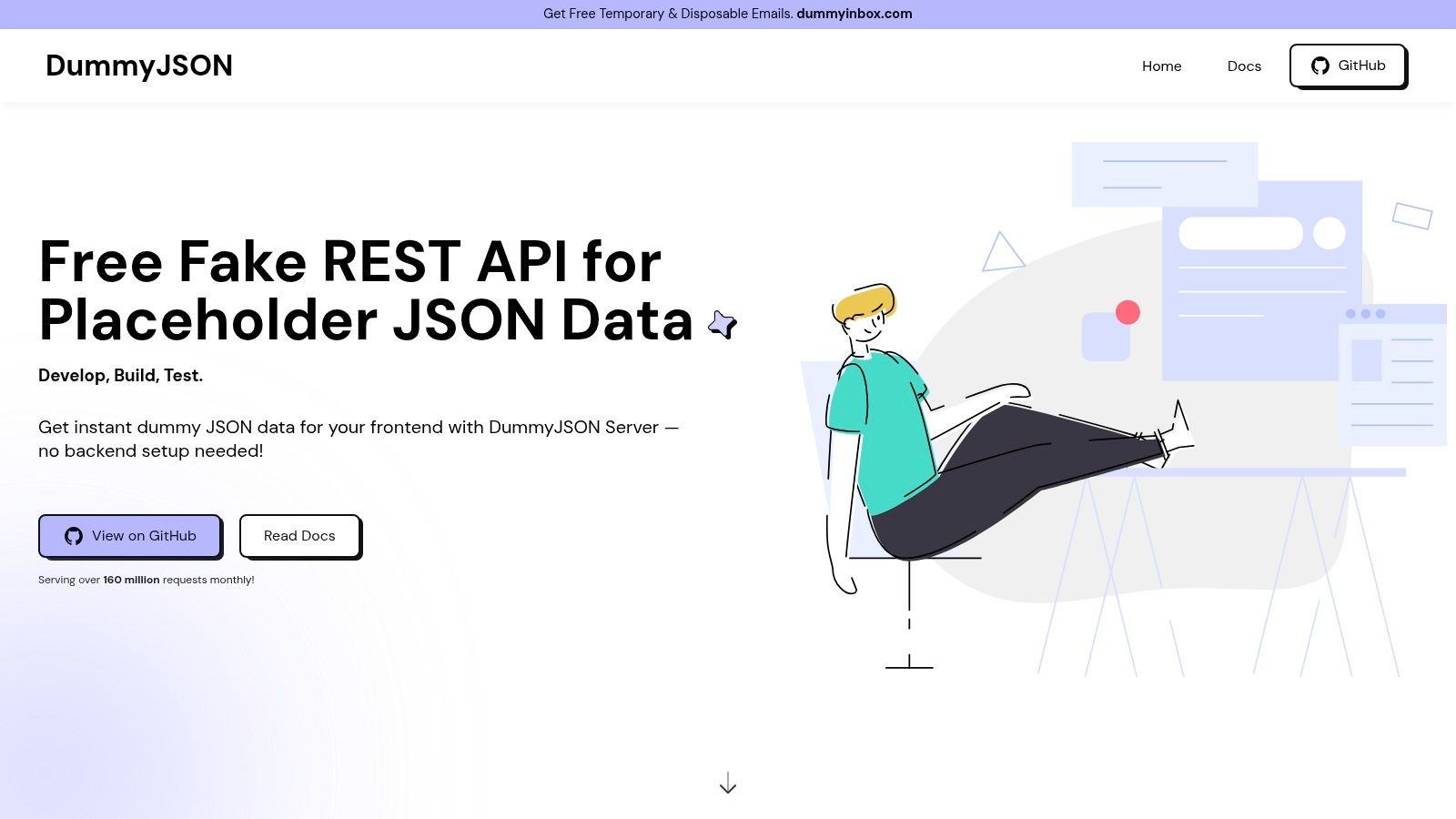
Its most compelling feature is the 'custom response' tool, which allows you to quickly define and host your own JSON endpoint without any setup. You simply paste your desired JSON structure, and the platform generates a unique URL to serve it, making it one of the most flexible sample APIs for testing on the fly. This is perfect for prototyping specific UI components that depend on a yet-to-be-built backend endpoint. Its straightforward, no-signup-required approach ensures developers can get meaningful mock data integrated into their projects within minutes.
Key Features and Use Cases
- Diverse Data Models: Offers realistic datasets for e-commerce (products, carts), social media (posts, comments), and productivity apps (todos).
- Custom JSON Endpoints: Instantly create and host a custom JSON response via a simple copy-paste tool, ideal for rapid prototyping.
- Built-in Functionality: Includes endpoints for searching, filtering, pagination, and a JWT-based authentication flow for testing login/logout features.
While DummyJSON is incredibly useful and completely free, it's a public demo service with no guarantees on availability or performance. It should not be used for production applications or any testing that requires persistent, stateful data.
Website: https://dummyjson.com/
12. Google APIs Explorer
The Google APIs Explorer is an official, interactive tool designed to let developers try out Google's vast ecosystem of REST APIs directly within the documentation. Instead of setting up a local environment, you can use the "Try this method" panel embedded on many API reference pages to execute real requests against Google services. This in-browser sandbox is invaluable for learning an API's behavior, validating request parameters, and inspecting live responses without writing a single line of code.
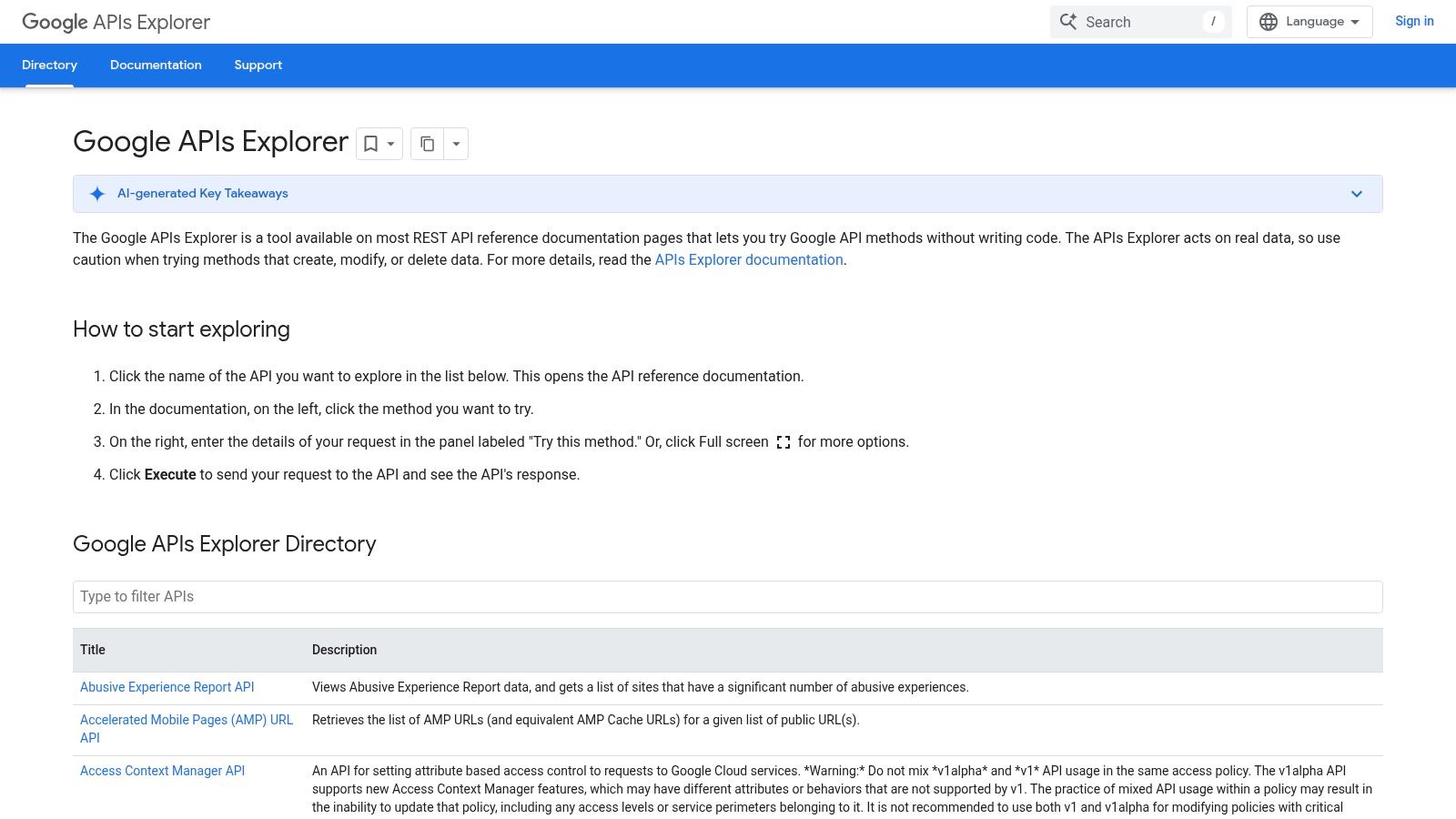
This tool excels at providing immediate feedback and removing the initial friction of authentication and environment setup. You can fill out API parameters in a web form, execute the request using OAuth 2.0 or an API key, and instantly see the raw HTTP request and response. For developers building applications on top of services like Google Drive, Calendar, or Maps, this makes it one of the most practical sources of sample APIs for testing specific integrations, ensuring your implementation will work as expected before you build it.
Key Features and Use Cases
- Interactive In-Doc Panel: Execute API calls directly from the relevant documentation page, making learning and experimentation seamless.
- Code Generation: Generates sample code snippets for various languages based on the request you build in the explorer.
- Built-in Authentication: Handles authentication for many methods, allowing you to focus on the API logic rather than the setup.
A critical point to remember is that the explorer often operates on your real Google account data. Always exercise caution, especially with methods that create, update, or delete information. Not all APIs or methods are available within the explorer.
Website: https://developers.google.com/apis-explorer/
Comparison of 12 Sample APIs for Testing
| Product | Core features ✨ | Resilience & realism | Ease of use ★ | Target audience 👥 | Pricing 💰 |
|---|---|---|---|---|---|
| DotMock 🏆 | Zero-config cloud mocks; import OpenAPI; AI plain‑English mock gen; live traffic capture ✨ | Fault injection (500s, timeouts, rate limits, network slow); record/replay for realistic tests | ★★★★★ Instant deploy (<1 min); trial w/o signup | 👥 Devs, QA, SREs, teams; collaboration & CI | 💰 Free / $8 / $29 / $99; 99.9% SLA |
| Postman Public API Network | Curated public APIs, mock servers, monitors, one‑click import ✨ | Real APIs vary by publisher — realism depends on source | ★★★★☆ Fork & run in Postman; in‑browser testing | 👥 API explorers, integrators, learners | 💰 Free; advanced mocks in paid Postman plans |
| RapidAPI Hub | Marketplace search, in‑browser console, code snippets, central billing ✨ | Provider-dependent SLAs/latency; realistic when using real APIs | ★★★★☆ Quick tryouts & generated code snippets | 👥 API consumers, evaluators, product teams | 💰 Freemium/paid per API; centralized subscriptions |
| Swagger Petstore | Canonical OpenAPI demo with interactive UI ✨ | Demo-level realism; may reset or show occasional 500s | ★★★★☆ Works instantly with Swagger UI & codegen | 👥 Learners, tool demos, POCs | 💰 Free |
| Reqres | Hosted fake REST for auth, pagination, delayed responses; CORS | Synthetic data; optional paid persistent endpoints for stateful tests | ★★★★☆ No auth, very simple onboarding | 👥 Frontend devs, demos, prototypes | 💰 Free; paid for persistent/demo backends |
| JSONPlaceholder | Zero‑setup fake REST (posts, comments, users) with CORS | Predictable datasets; writes non‑persistent — not for stateful tests | ★★★★★ Instant use for sandboxes & tutorials | 👥 Frontend learners, tutorial authors | 💰 Free |
| httpbin | HTTP echo service (status, headers, auth, anything) ✨ | Reliable for raw HTTP validation; not domain data | ★★★★☆ Minimal, language‑agnostic testing | 👥 Debuggers, network engineers, tool authors | 💰 Free |
| Mockaroo | Schema-driven mock data generator; hosted mock APIs; 100+ data types ✨ | Produces realistic synthetic datasets; export CSV/JSON/SQL | ★★★★☆ Powerful but schema setup needed | 👥 QA, frontend, data teams needing realism | 💰 Free limits; paid for high‑volume/enterprise |
| Beeceptor | Rule-based dynamic responses; OpenAPI import; live request view & tunneling ✨ | Supports delays/errors and request history for realistic scenarios | ★★★★☆ Fast to stand up realistic mocks | 👥 Devs, QA, webhook integrators | 💰 Free tier; paid for custom domains/higher quotas |
| MockAPI (mockapi.io) | Quick CRUD resource generator, dashboard, CORS support | Good for demos; persistence/limits depend on plan | ★★★★☆ Easy project setup for CRUD demos | 👥 Frontend & QA teams needing nested resources | 💰 Pricing varies; not prominently listed |
| DummyJSON | Rich domain datasets (products, carts, users) + custom response tool | More varied data than simple fakes; public demo w/o SLA | ★★★★☆ No signup; low friction | 👥 Frontend devs needing varied realistic examples | 💰 Free |
| Google APIs Explorer | In-doc "Try this method", sample code, raw responses, built‑in creds ✨ | Runs against real Google services — high realism but acts on live data | ★★★★☆ Integrated with docs; no local setup | 👥 Google API integrators, devs validating calls | 💰 Free (API usage may incur charges) |
From Simple Mocks to Resilient Systems: Choosing Your API
Navigating the ecosystem of sample APIs for testing can feel overwhelming, but as we've explored, the landscape is rich with options tailored to every stage of the development lifecycle. From the simple, static data offered by JSONPlaceholder and Reqres to the intricate HTTP validation capabilities of httpbin, there is a free, public API to meet nearly any immediate need. These tools are invaluable for getting a project off the ground, building UI prototypes, or running quick integration checks.
However, the journey from a simple prototype to a production-ready application demands a more sophisticated approach to API simulation. The initial speed gained from a static sample API can quickly turn into a bottleneck when teams need to test for edge cases, error states, and unreliable network conditions. This is where the true power of dedicated mocking services and platforms becomes indispensable.
Moving Beyond Static Data: The Path to Production Readiness
The primary takeaway from this comprehensive list is the critical distinction between using a sample API and implementing a mocking strategy. While a sample API provides a fixed target for development, a true mocking strategy empowers your team to control the API's behavior entirely.
Consider these key decision points when selecting your next tool:
- For Quick Prototyping & UI Development: If your goal is to quickly scaffold a user interface without a live backend, JSONPlaceholder, Reqres, or DummyJSON are your best bets. They require zero setup and provide predictable, well-structured data to get your front end moving.
- For HTTP Client & Network Logic Validation: When you need to test raw HTTP requests, headers, and authentication methods, httpbin is the undisputed champion. It acts as a perfect mirror, reflecting exactly what your application sends over the wire.
- For Parallel Development & CI/CD Integration: As your team grows, waiting for backend development to finish is not an option. This is the domain of powerful mock servers like MockAPI, Beeceptor, and advanced platforms. They allow frontend and backend teams to work concurrently against a stable, agreed-upon API contract.
- For Resilience & Chaos Engineering: To build truly robust systems, you must test for failure. This is where tools with fault injection capabilities, like DotMock, shine. Simulating
503 Service Unavailableerrors, network timeouts, or corrupted responses is no longer a complex manual task but a configurable part of your testing suite.
Making the Right Choice for Your Team
Choosing the right sample APIs for testing involves more than just picking one from a list; it requires a strategic evaluation of your project's long-term goals. As you progress, the criteria for selecting an API become more stringent, mirroring the process of choosing a production-grade service. Understanding what to look for, such as reliability, documentation, and specific features, is a transferable skill. For instance, the detailed considerations involved in evaluating a third-party service, such as learning What to Look Out For When Choosing an Exchange Rate API, offer valuable insights into making informed decisions for any API, whether for testing or production.
Ultimately, your testing infrastructure should evolve with your application. Start simple, but have a clear plan to adopt more powerful tools as your requirements for reliability, collaboration, and speed increase. By integrating a dynamic and controllable mocking service into your workflow, you are not just testing code; you are building a resilient, high-quality product prepared for real-world unpredictability.
Ready to move beyond static data and start building truly resilient applications? DotMock provides a zero-configuration mock server with live traffic recording, dynamic responses, and powerful fault injection capabilities. Sign up for free and see how easy it is to simulate real-world API behavior in your development and CI/CD pipelines.