
Quickstart · Stateful REST
AvailableLast verified
Build a stateful users API
Create a user, read it by ID, patch it, and return a contract-shaped 404 when it does not exist. This walkthrough uses the same state runtime in the dashboard, live mock server, CLI, and coding-agent tools.
In this guide
- POST /users generates one ID and stores the complete user
- GET /users/{userId} returns the stored typed JSON object
- PATCH /users/{userId} merges request fields into that user
- Unknown IDs return 404 with a JSON error body
Prerequisites
- A DotMock workspace you can access
- The API ID in $API_ID and its published runtime URL in $MOCK_URL when the example calls the mock
On this page
Create a REST workspace
From the dashboard, choose New workspace, REST API, and Start blank. Name it Users API and choose a unique subdomain. A workspace owns its endpoints, models, traffic, and API-scoped state.
You can also create the same workspace from a terminal. Management commands use your DotMock API key; requests to the mock itself use the mock URL.
dotmock create api --name "Users API" --subdomain users-devExpected result: The CLI returns the new REST workspace identity and API ID. Store that ID in $API_ID.
Add the users-by-id state resource
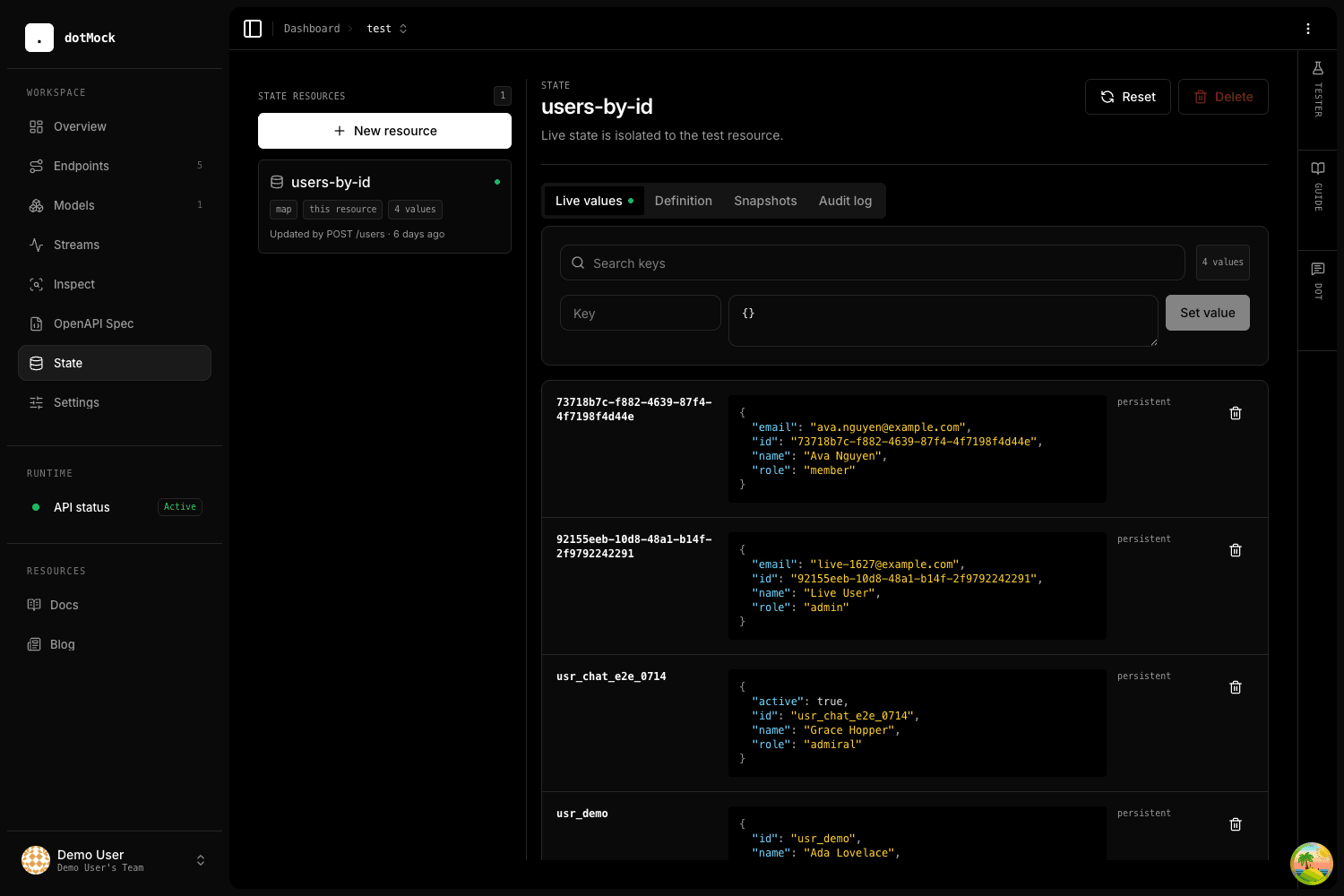
Open State, create a map named users-by-id, and keep API scope selected. A map is the right type when every record has an addressable key such as a user ID.
Leave TTL empty for persistent local test data. Reads never extend TTL; every successful write refreshes it. Initial values apply to new or reset entries, not existing live values.
- Name: users-by-id
- Type: map
- Scope: current API
- Initial value: {}
Create and store a user
Add POST /users. Define an application/json request body with required name and email fields, then reuse that model wherever the same user shape appears.
Set the response status to 201 and use the exact response template below. state.create copies the request object, generates one UUID, stores the resulting record under that ID, and returns the identical typed object.
{
  "name": "Ava Nguyen",
  "email": "[email protected]",
  "role": "member"
}{{state.create "users-by-id"}}Read the user and model the 404
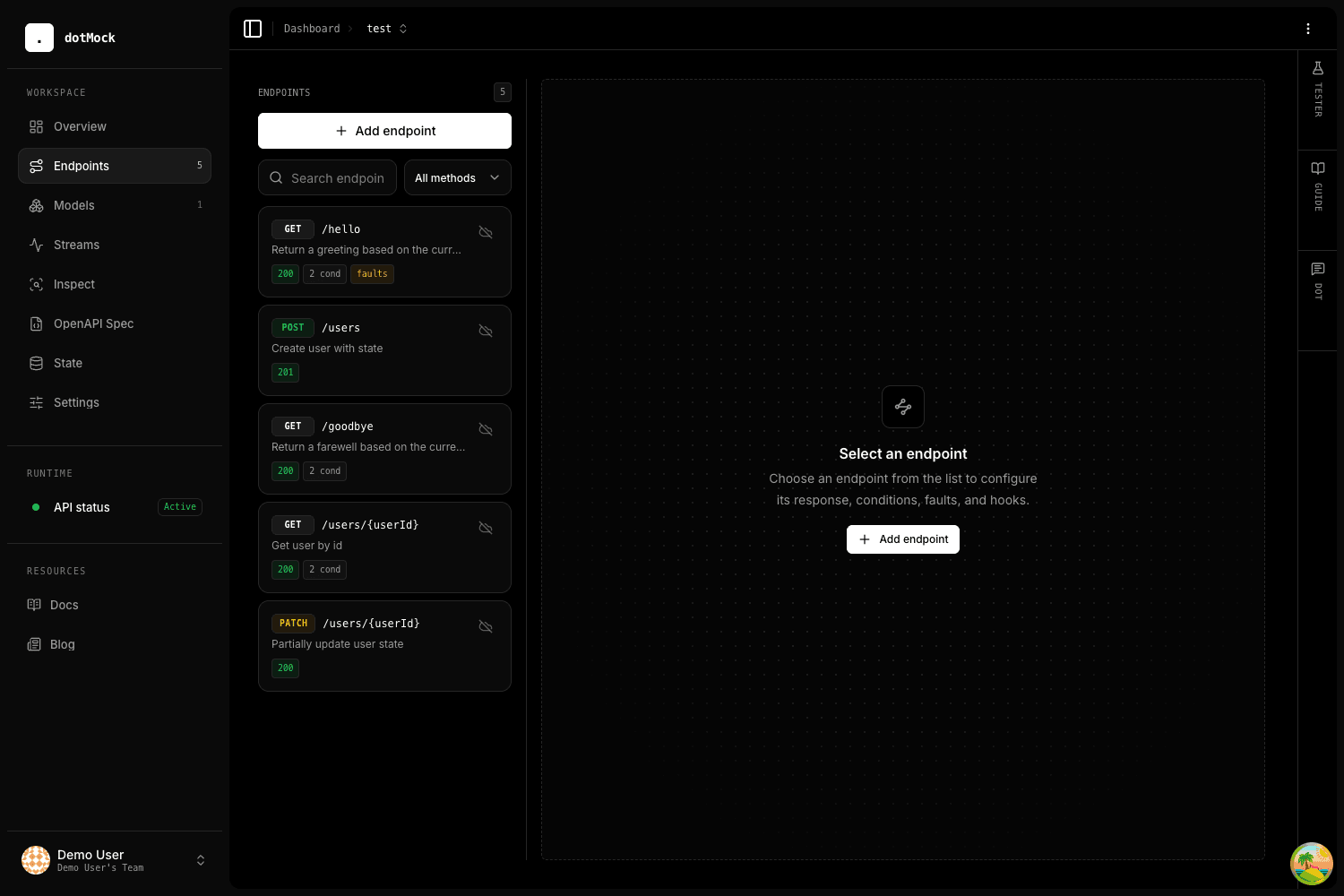
Add GET /users/{userId}. The default 200 body is the exact state lookup. Then add an ordinary conditional response before it for the missing record. Missing state is not a special response type; it uses the same expression language as every other condition.
Reuse the User response model for the 200 response. Give the 404 its own small error schema only if your API contract defines one.
{{state.get "users-by-id" "$param.userId" "" null}}!state.exists("users-by-id", params["userId"]){
"message": "User not found"
}Merge a partial update
Add PATCH /users/{userId}. Reuse the same missing-state condition and 404 body, then make the success template merge incoming JSON fields into the stored user.
The request body is used automatically when state.merge receives only a resource and dynamic key. The returned value is the updated typed record.
{{state.merge "users-by-id" "$param.userId"}}Prove the behavior safely
Run the built-in tester before sending live requests. A dry-run executes matching, before actions, rendering, and inline state mutations against an isolated overlay. The response and exact proposed state diff are shown, but nothing is persisted.
Then send one live POST, copy the returned ID, GET it, PATCH it, and GET an unknown UUID. Inspect State and its audit log to confirm which endpoint or UI action last changed each value.
dotmock --json test \
  --api "$API_ID" \
  --method POST \
  --path /users \
  --body '{"name":"Ava Nguyen","email":"[email protected]"}'
Expected result: The JSON result names the winning endpoint, returns the proposed 201 body, and shows a state diff without persisting it.
USER=$(curl -sS -X POST "$MOCK_URL/users" \
  -H 'content-type: application/json' \
  -d '{"name":"Ava Nguyen","email":"[email protected]"}')

USER_ID=$(printf '%s' "$USER" | jq -r .id)
curl -sS "$MOCK_URL/users/$USER_ID"
curl -sS "$MOCK_URL/users/00000000-0000-0000-0000-000000000000"
Expected result: POST returns a typed user with an ID, the first GET returns that user, and the final GET returns the configured 404 error.