
Workspace · Collaboration
AvailableLast verified
Share the behavior, not someone’s local setup
A team workspace gives people and automation one source of truth for definitions, models, state visibility, traffic, and published behavior. Roles and scoped keys keep that collaboration bounded.
In this guide
- Invite people with an appropriate role
- Understand API and workspace state visibility
- Preserve shared draft changes
- Use separate credentials for people and automation
Prerequisites
- A DotMock team
- A role with access to the target workspace
On this page
APIs belong to a team workspace
Members of the selected team see its API workspaces according to their role. Switching teams changes the APIs, keys, usage, and workspace-shared state catalog in scope; data is never searched across teams implicitly.
Assign the narrowest useful role
Use administrative access for membership, billing, and sensitive settings. Use member access for day-to-day authoring and testing. Create scoped API keys for CI, CLI, and MCP instead of sharing a human session.
Treat the draft as shared state
The endpoint editor and tool-driven authoring operate on the current shared draft. Pull or inspect it before a broad change, preserve unrelated edits, validate the final definition, and publish a known revision rather than assuming the screen is isolated.
Share state only when the workflow needs it
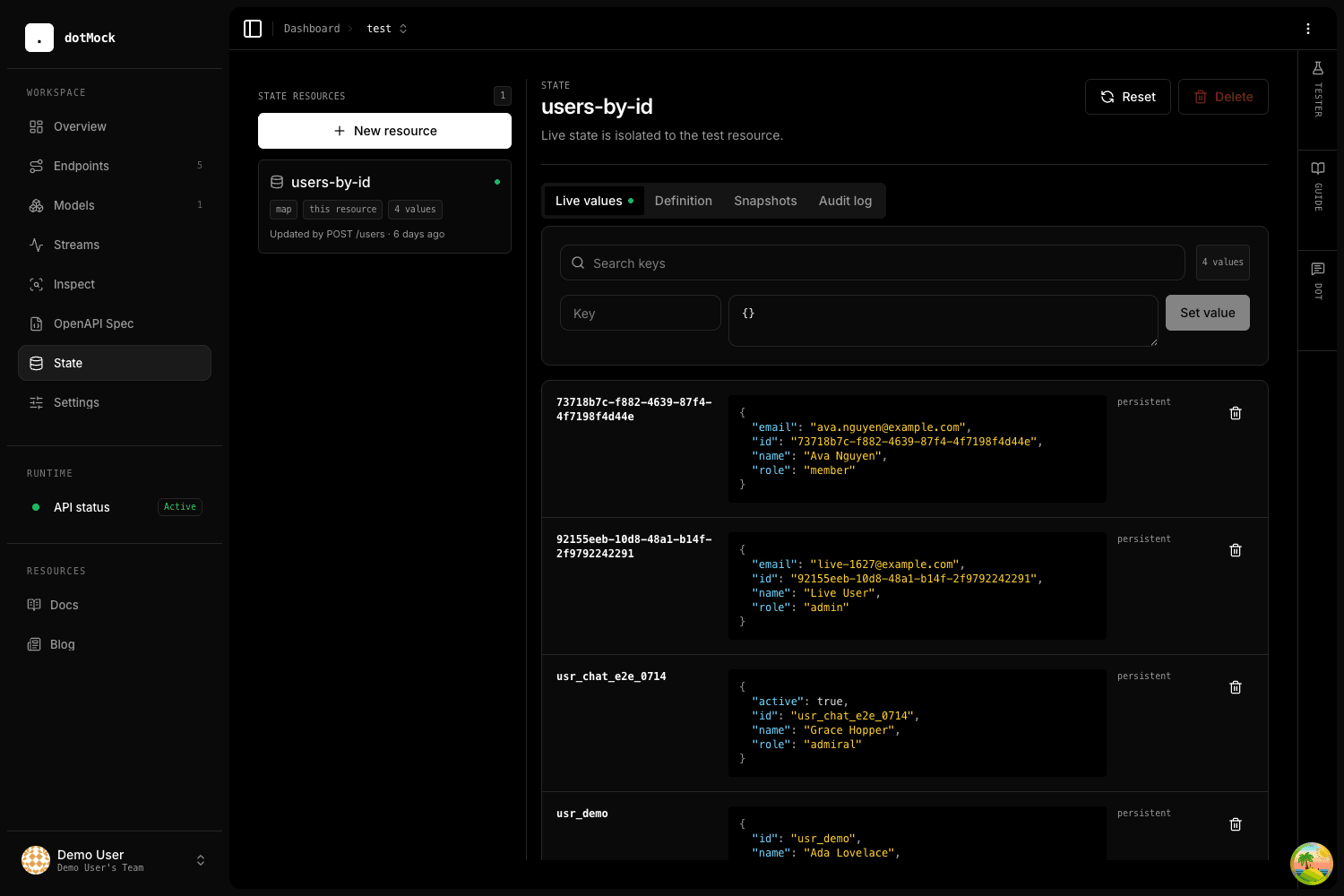
API-scoped state is the default and is available only to the current mock. Workspace-scoped state can connect a REST create flow to GraphQL reads, LLM fixtures, or webhook rendering inside the same team.
Leave a reproducible handoff
Document the mock URL, required headers, seed data or snapshot, important scenarios, and the command that proves each one. Prefer a checked-in DotMock configuration and CI dry-run over a message that only says the workspace was updated.